Insulclock 3.0
Automatically logs every injection, monitors insulin temperature and syncs with the app. Compatible with Lantus® and Toujeo®.
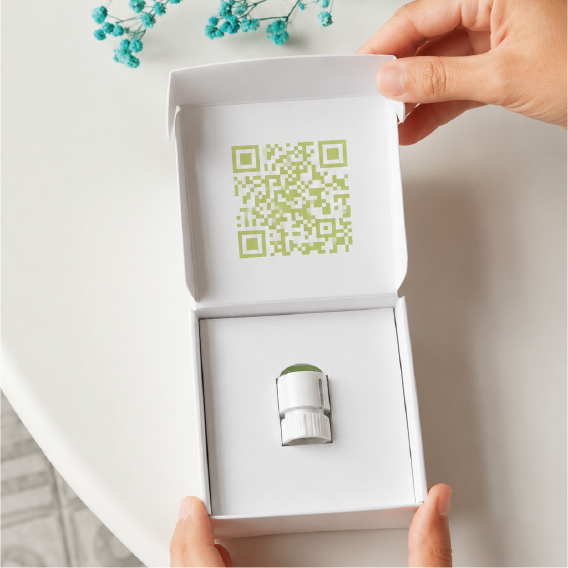
Why use Insulclock 3.0?
Bluetooth, automatic logging and temperature control for your SoloStar® pen
Automatic logging
Detects and stores primes and injections with date, time and ambient temperature.
Bluetooth connectivity
Automatically syncs data with the Insulcloud app on your mobile.
Temperature monitoring
Visual alert if insulin has been outside the safe range (between 2 °C and 30 °C).
1-year battery
No cables or charging. Integrated CR1632 battery with up to 1 year of autonomy.
How it works
Attach the device and the CAP does the rest
Attach the device to your pen
Insert Insulclock 3.0 into your disposable SoloStar® pen (Lantus or Toujeo), fully covering the dosing button.
Pair with the app
Download the Insulcloud app, create your account and pair the device via Bluetooth. You only need to do this once.
Inject and sync
Hold the button down during the injection. The green light confirms the dose was logged. Data syncs automatically to the app.
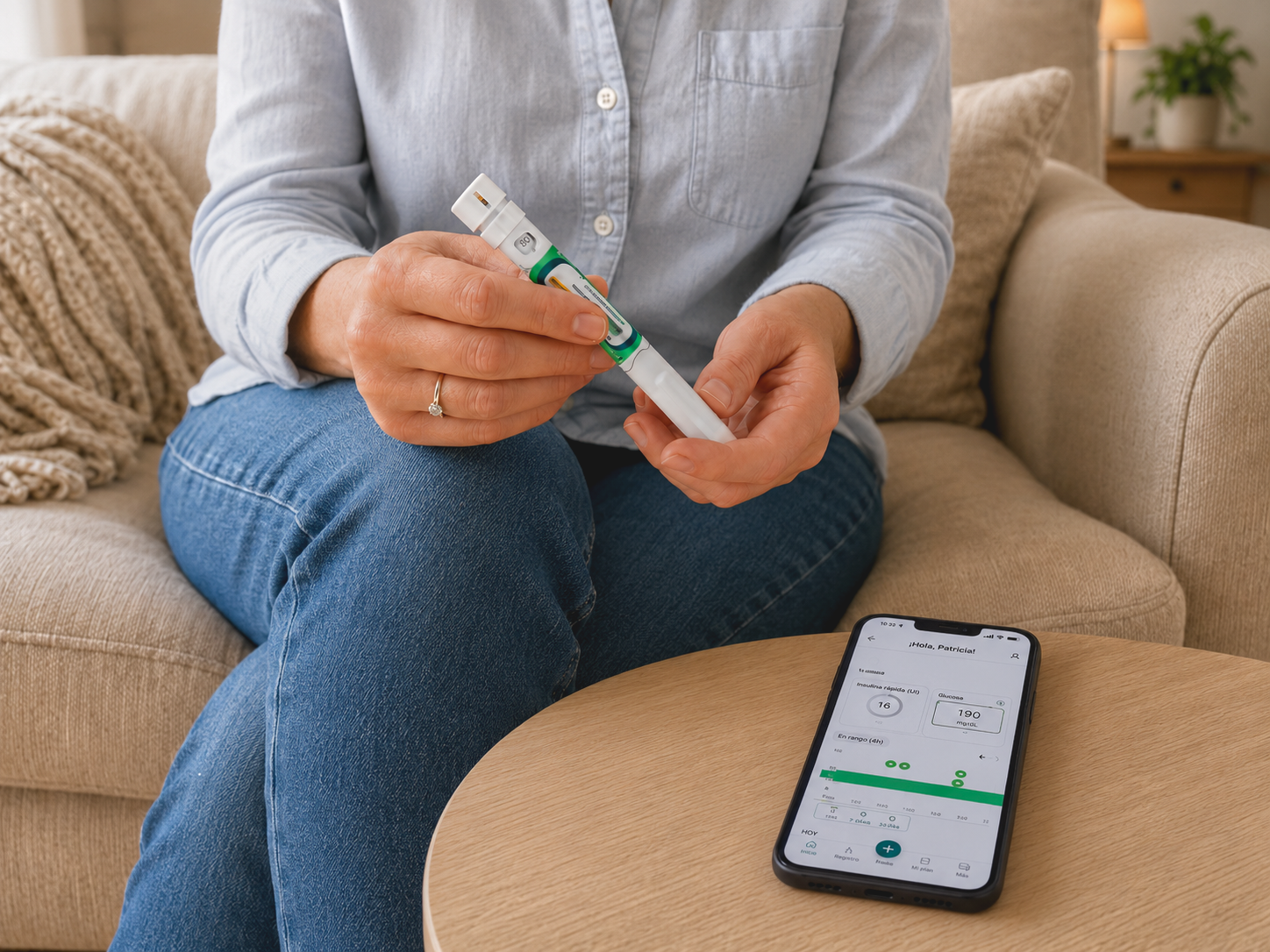
Designed for SoloStar® pen users
Lantus® and Toujeo® users
For patients using disposable SoloStar® pens who want automatic, effortless logging of every dose.
Follow-up with your endocrinologist
Share your insulin history with your specialist through the ENDO platform.
Full therapy control
Temperature, prime and injection — all logged and synced in a single device.
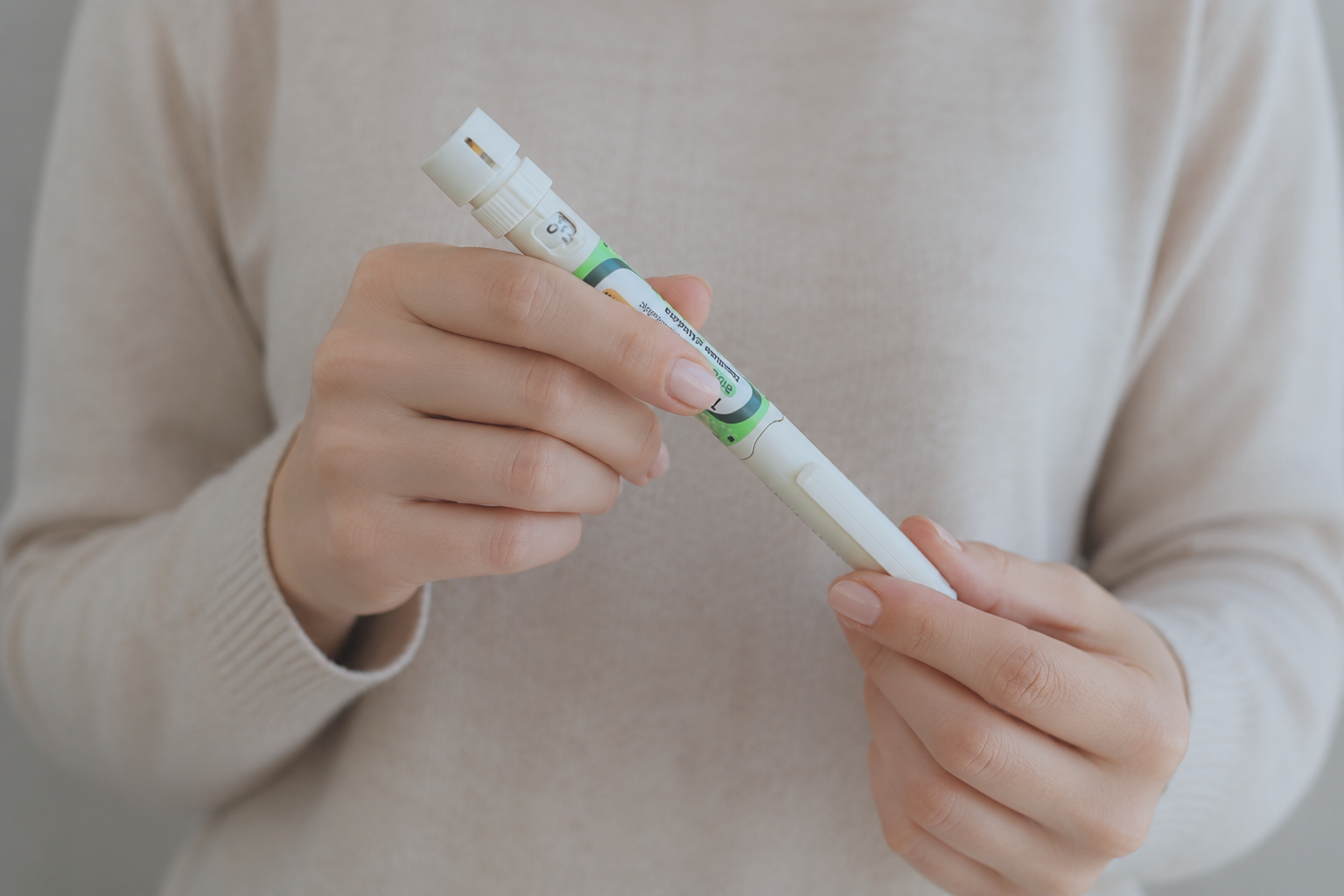
Get your
Insulclock 3.0
- Automatic injection logging
- Insulin temperature monitoring
- Sync with app and ENDO platform
- Compatible with SoloStar® Lantus and Toujeo
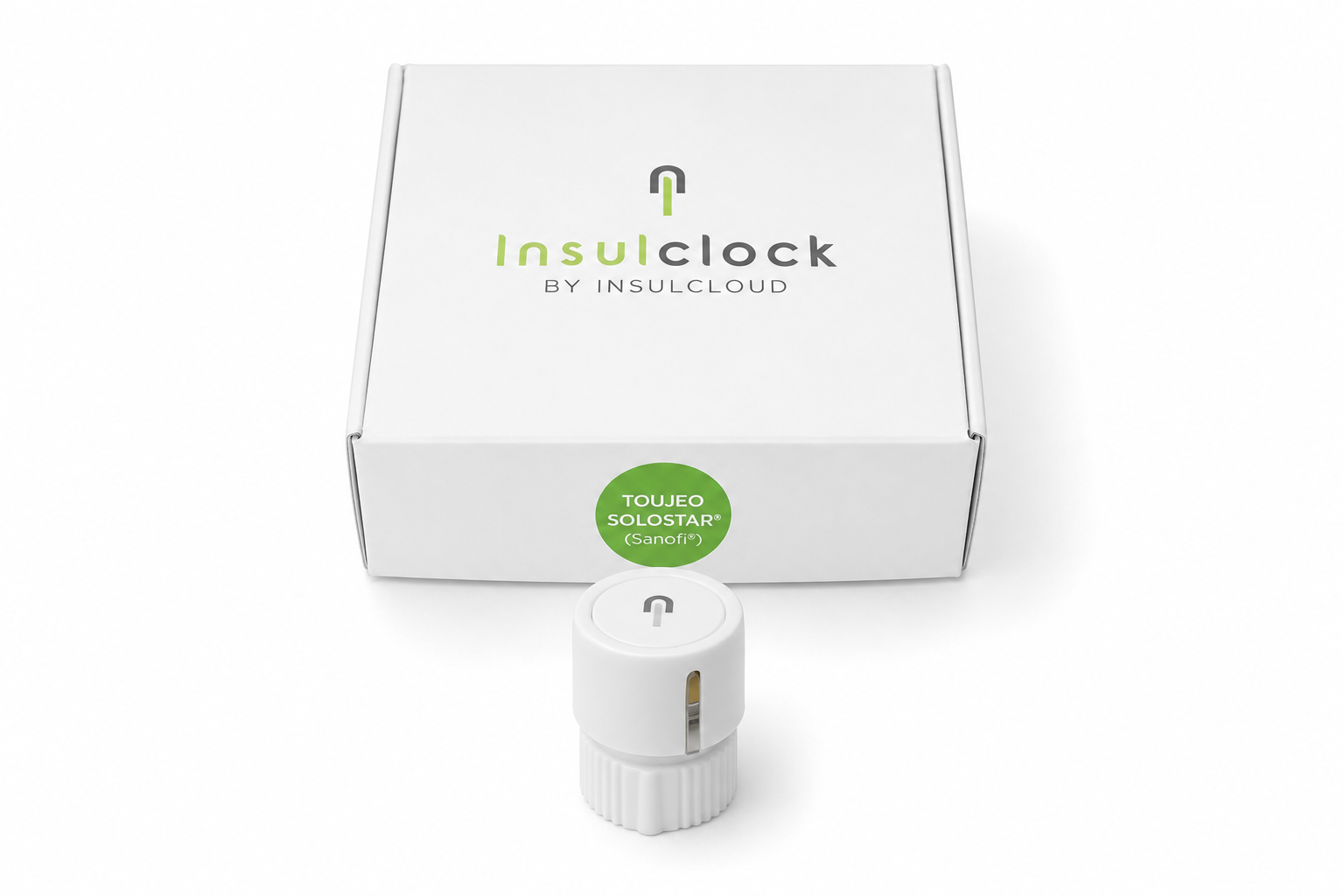
Are you a healthcare professional or work at a hospital?
Insulclock is available for clinics, hospitals and endocrinology centres. Contact our team for orders, pricing and training.
Contact the commercial team